Complete Guide
AI Image Prompt: The Complete Guide to AI Prompting
Unlock the full potential of AI image generation with our expert guides and masterclasses.
Convert Image to Prompt to generate your own image
Drag & drop your image
or click to browse
Upload an image to generate
your optimized prompt for Midjourney, DALL-E, & Stable Diffusion.
Upload any image and our AI will analyze its composition, lighting, and style to generate a detailed prompt. Ideal for reverse prompt engineering.
Once your prompt is generated, you can refine it further in our AI Prompt Studio or use it to generate new AI art instantly.
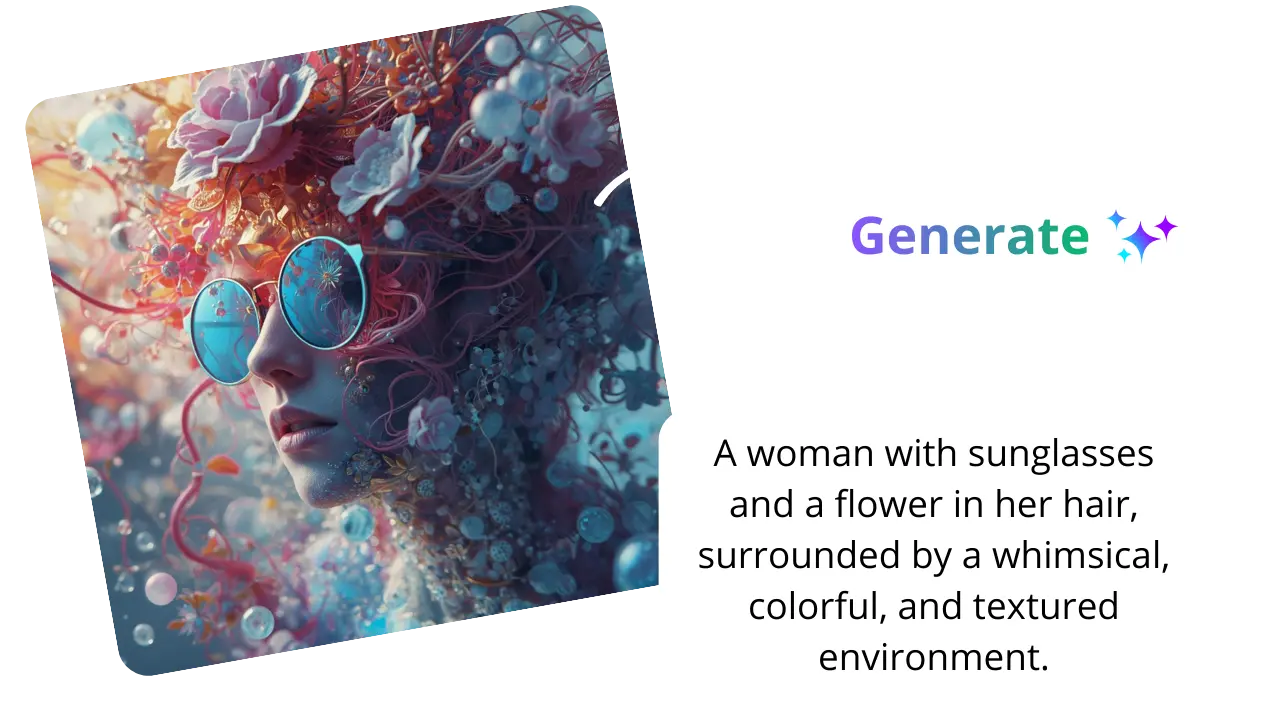
Discover a complete set of AI prompt tools designed to help you create high-quality image prompts in seconds. Whether you want to convert an image to a prompt, generate prompts from text, or enhance your existing prompts, our tools are built for speed, accuracy, and ease of use. Perfect for Midjourney, DALL·E, and other AI image generators, these tools help you achieve better, more detailed results effortlessly.
Forge professional-grade prompts by fine-tuning subject matter, artistic styles, lighting, and cinematic mood parameters.
Transform your creative vision into stunning, high-definition AI-generated artwork and photo-realistic visuals in seconds.
Break language barriers with neural-network translation that preserves cultural nuance and technical precision across 100+ languages.
See the magic happen. Here are real examples of how our AI analyzes images to create detailed, high-fidelity prompts.
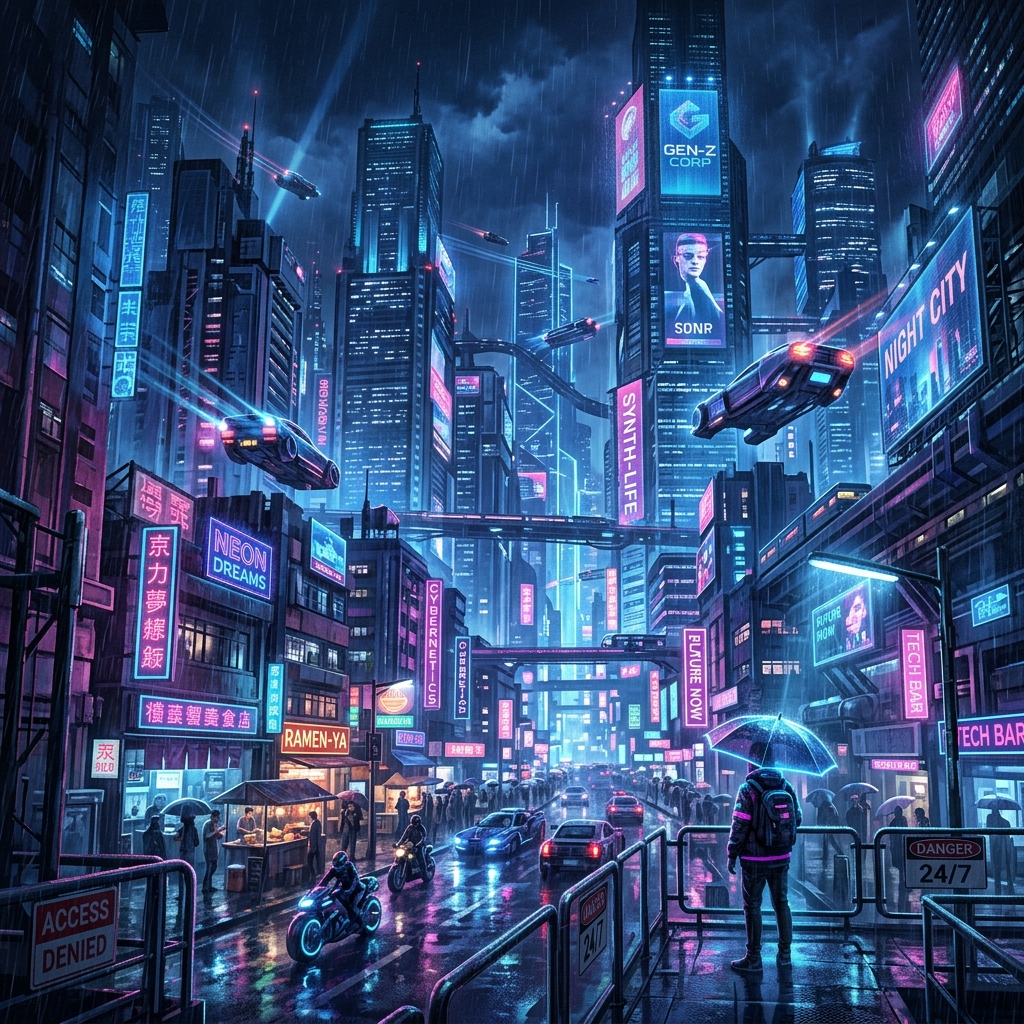
"A breathtaking futuristic cyberpunk city at night with neon signs in blue and pink, rain-slicked streets, flying vehicles, highly detailed volumetric lighting, cinematic 8k resolution. Professional digital art style."
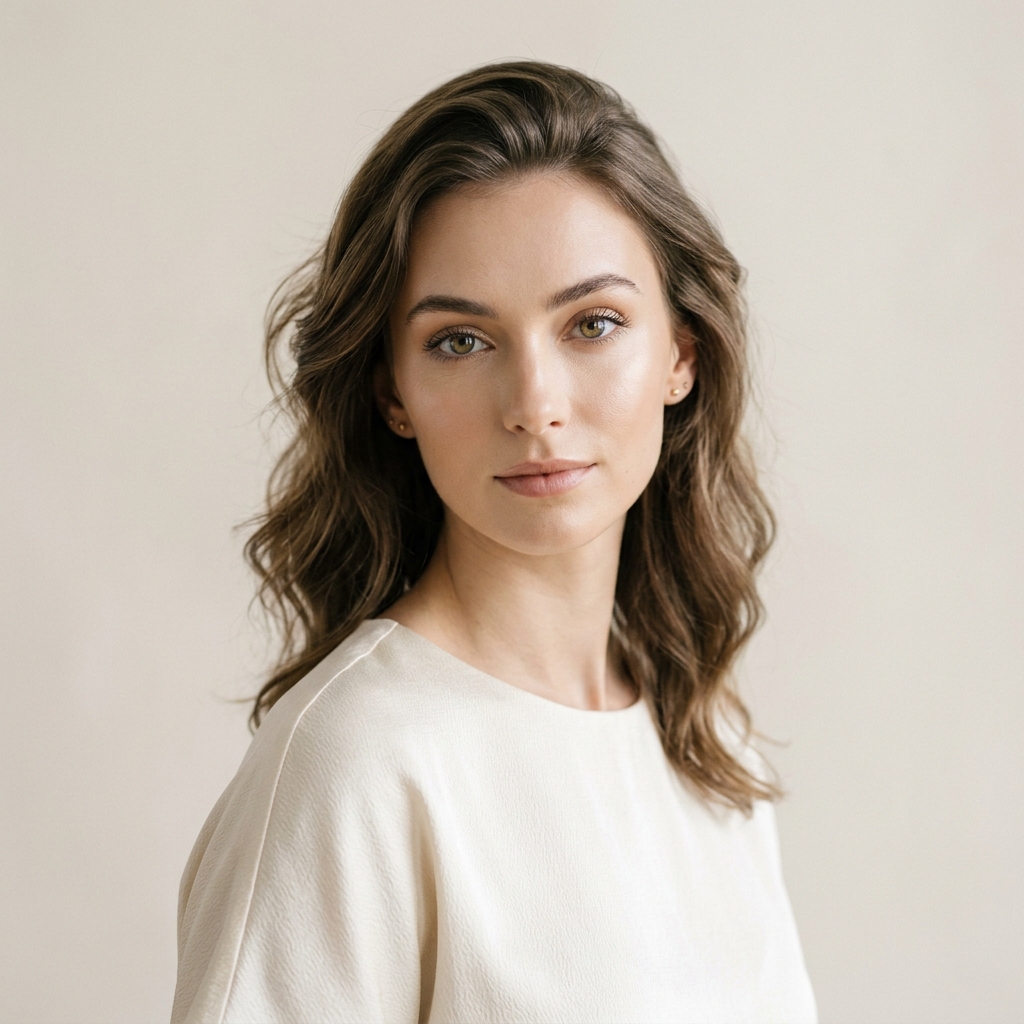
"A professional minimalist portrait of a woman with ethereal lighting, soft shadows, clean background, high fashion photography style, sharp focus on eyes, 8k resolution."
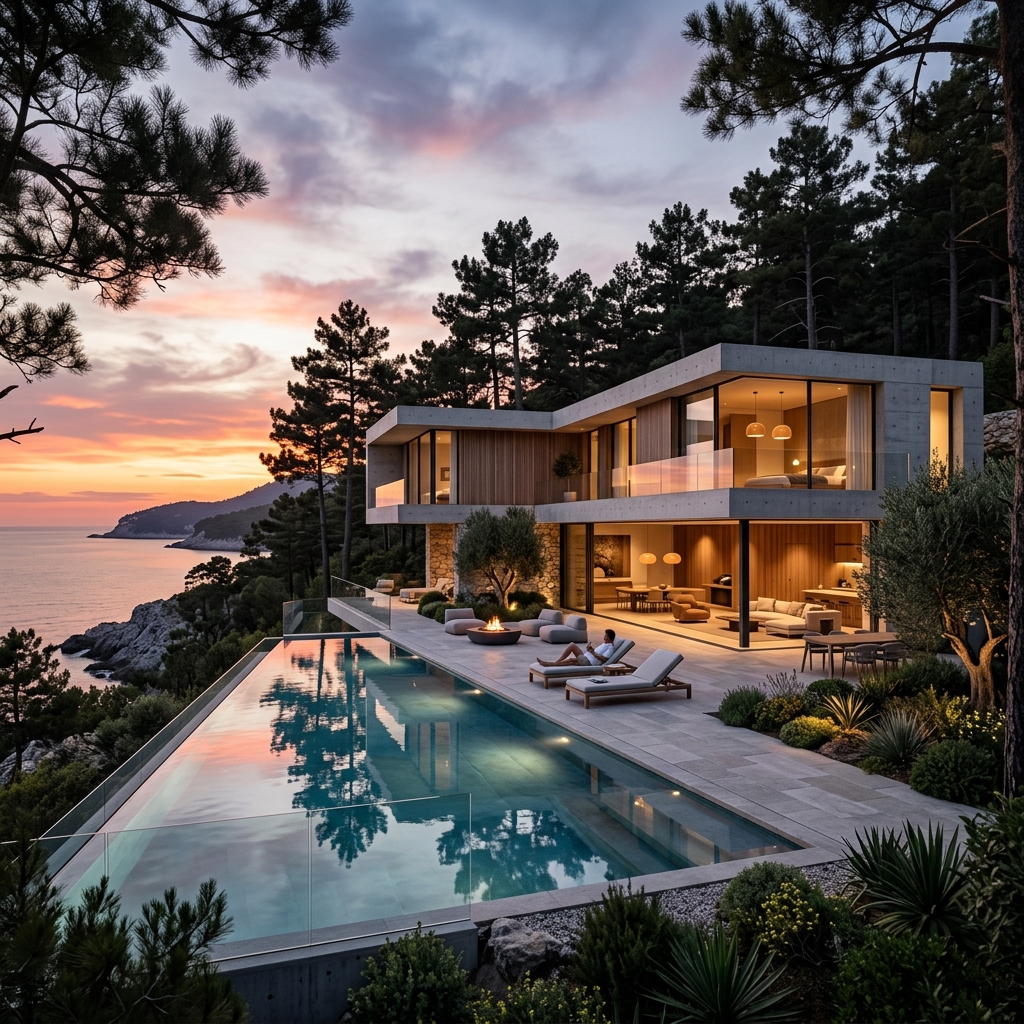
"Modern luxury villa architecture with glass walls, infinity pool, sunset lighting, surrounded by pine trees, minimalist contemporary design, photorealistic architectural photography, 8k."
Stay ahead with the latest guides and tutorials on AI image generation.
Unlock the full potential of AI image generation with our expert guides and masterclasses.
Unlock the full potential of AI image generation with our expert guides and masterclasses.
Unlock the full potential of AI image generation with our expert guides and masterclasses.
Unlock the full potential of AI image generation with our expert guides and masterclasses.
Find answers to the most common questions about AI prompts and our generation tools.
An AI image prompt is a detailed text description used to generate images with tools like Midjourney or DALL·E. A good prompt includes style, lighting, composition, and key visual elements to get accurate and high-quality results.
Our tool analyzes your uploaded image using AI and converts it into a detailed prompt. It identifies visual elements such as objects, colors, lighting, and style to create a ready-to-use prompt for AI image generators.
Yes, our image to prompt generator is free to use. You can upload images and generate prompts instantly without any cost.
The generated prompts are optimized for popular AI image generators like Midjourney, DALL·E, and Stable Diffusion, ensuring high-quality and accurate results.
Yes, you can fully customize and edit the generated prompt to better match your needs or add more details and styles.
To improve your prompts, include details such as style (realistic, cinematic), lighting (soft, dramatic), camera angle, and environment. You can also use our prompt enhancer tool to optimize your results.
You can upload common image formats like JPG and PNG. For best results, use clear, high-quality images with good lighting and visible details.
Accuracy depends on the quality and clarity of the uploaded image. Complex or low-quality images may lead to less precise prompts. Try using a clearer image or editing the prompt manually.